Do you commit secret tokens or API keys that are in your shell RC file to git? If you do, GitHub/GitLab should flag it. Some API keys/tokens often need to be in shell files (some programs take them from environment variables). And passing env variables every time is a hassle. An alternative option is something like opening 1password and copy-pasting. Not a fan of that.
For example, DigitalOcean API has curl requests that work with DIGITALOCEAN_TOKEN. If it's set up in env, you just need to copy the curl request and it works.
I've had this happen several times where I lost my .bashrc or .zshrc file in a new environment or when working from 2 machines. And then (or often) I don't remember what environment variables there were. And to set it up like before, I have to use the same variable names. Which is another hassle.
At least it's a hassle for me. So I was thinking, if I could commit a private file along with the dotfiles, which would have my secret env variables. But I don't want to commit the values.
The Solution (kinda)
So I added a bash script that runs in git's pre-commit hook that keeps the KEYs and strips out the values. And when it's committed, another post-commit hook restores the original values.
And in my local, it keeps the original file in a file called private.original, from which it can restore again. private.original is kept in .gitignore. So, no keys are pushed to version control.
Not that fancy, but for me, a solution to a problem. :D
If you need something like this, feel free to take a look at the code.
Pre-commit hook
#!/bin/bash

# pre-commit hook
# Set the path to the file you want to process
FILE_PATH="zsh/private"

# Check if the file exists
if [ ! -f "$FILE_PATH" ]; then
  echo "Error: File '$FILE_PATH' not found."
  exit 1
fi

# Check if the file has been modified in the staging area
if ! git diff --cached --name-only | grep -q "$FILE_PATH"; then
  echo "File '$FILE_PATH' not modified. Skipping secret stripping."
  exit 0
fi

# Create a backup of the original file
ORIGINAL_FILE_PATH="private.original"
# backup
cat "$FILE_PATH" > "$ORIGINAL_FILE_PATH"

# Create a temporary file to store the modified content
TEMP_FILE=$(mktemp)

# Process the file line by line
while IFS= read -r line; do
  if [[ "$line" =~ ^[^#]*= ]]; then
    # If the line contains an assignment (key=value), strip the value
    key=$(echo "$line" | cut -d'=' -f1)
    echo "$key=\"\"" >> "$TEMP_FILE"
  else
    # Otherwise, keep the line as it is (comments, empty lines, etc.)
    echo "$line" >> "$TEMP_FILE"
  fi
done < "$FILE_PATH"

# Replace the original file with the modified content
mv "$TEMP_FILE" "$FILE_PATH"

echo "Stripped values in '$FILE_PATH'."

# Add the modified file to the staging area
git add "$FILE_PATH"

echo "Staged stripped secrets."

#Allow the commit to continue. The commit message will be modified after this hook completes.
exit 0
Post-commit hook
#!/bin/bash

# post-commit hook
FILE_PATH="zsh/private"
ORIGINAL_FILE_PATH="private.original"

if [ -f "$ORIGINAL_FILE_PATH" ]; then
    # Replace instead of concat
    cat "$ORIGINAL_FILE_PATH" > "$FILE_PATH"
    echo "Original private file restored after commit."
else
    echo "Original private file backup not found. Skipping restore."
fi

exit 0
Testing
If you want to test it, you can put some file values in ~/.private and commit and push to see. After I set API_TOKEN in my ~/.private and pushed:
https://github.com/thearyanahmed/dotfiles/blob/master/zsh/private
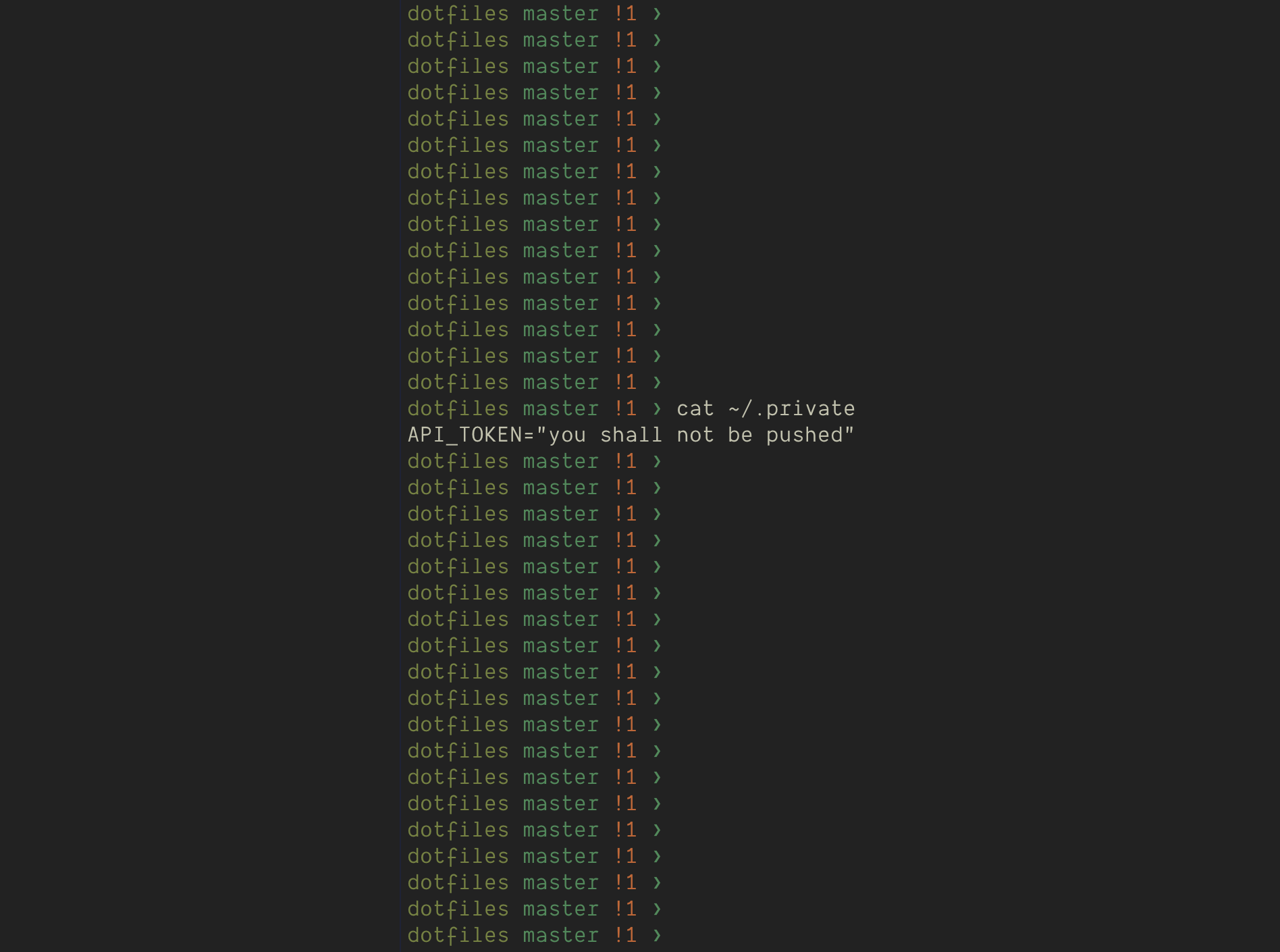
And after pushing this, when I check on GitHub I see:

When to use this
If you have only a few env variables plus don't have to work in multiple environments, then this approach is unnecessary. I have like hundreds of env variables that I use for my setup over the years.
Thanks for reading until this bit! Feel free to subscribe for free to receive new posts and support my work.
My dotfiles
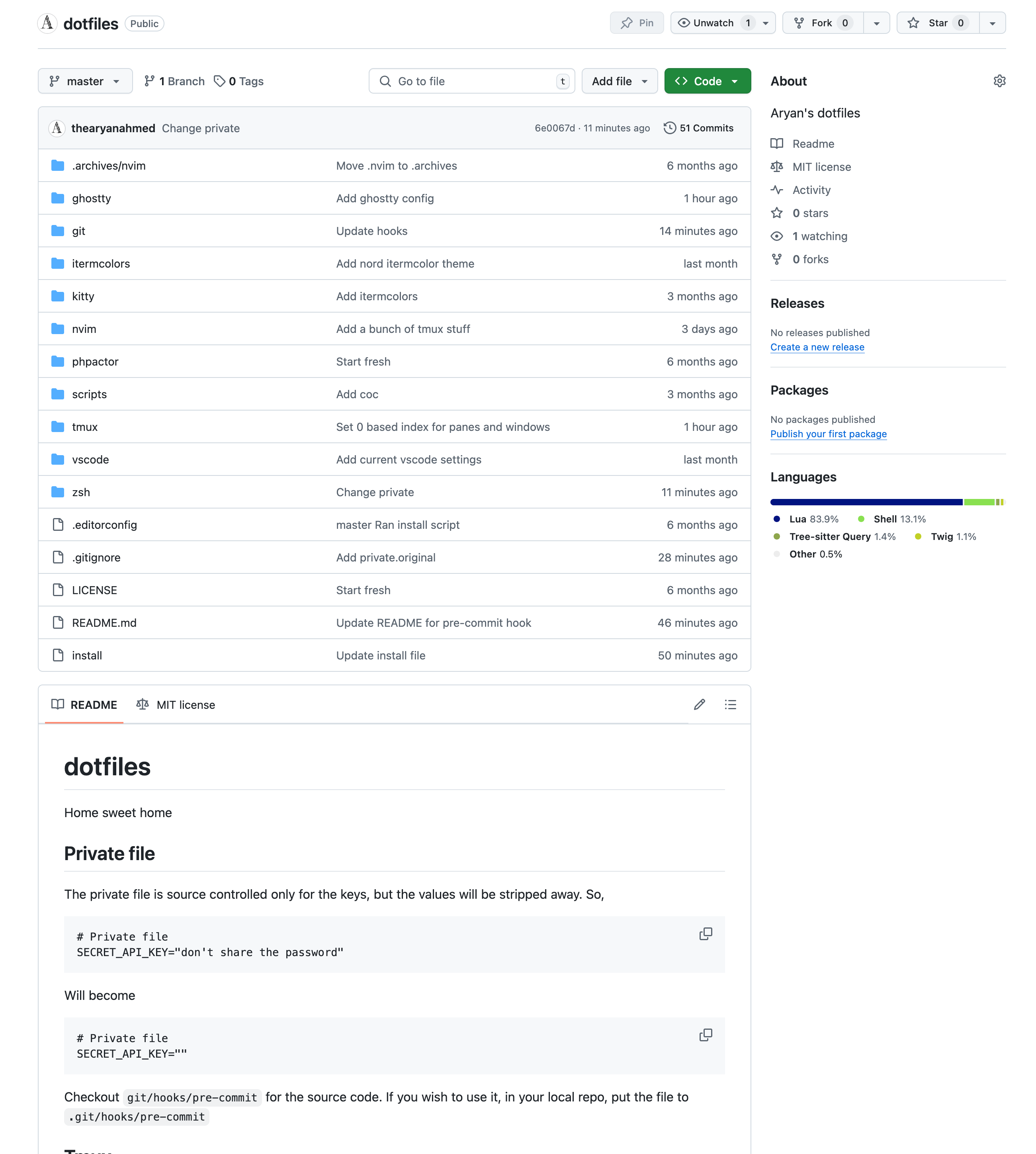
You can also find some of my dotfiles (shortcuts/alias/functions/settings) here:
https://github.com/thearyanahmed/dotfiles
Currently it's incomplete. But I will collect and share my dotfiles over time, inshallah.
However, am I happy with this? Not completely. So maybe I should build something a bit more … um manageable?
Some of my other articles